

STRUCTURED AI YOU CAN TRUST.
Connect your data to your AI tools over MCP.
Integrate your data via MCP. Talk to your portfolio with natural language. Visualize and share what you want, when you want.
Chat with your portfolio
Ask CRE Terminal your toughest questions and get responses in seconds that are grounded in the deal data and portfolio information you have accumulated in the system.
Request access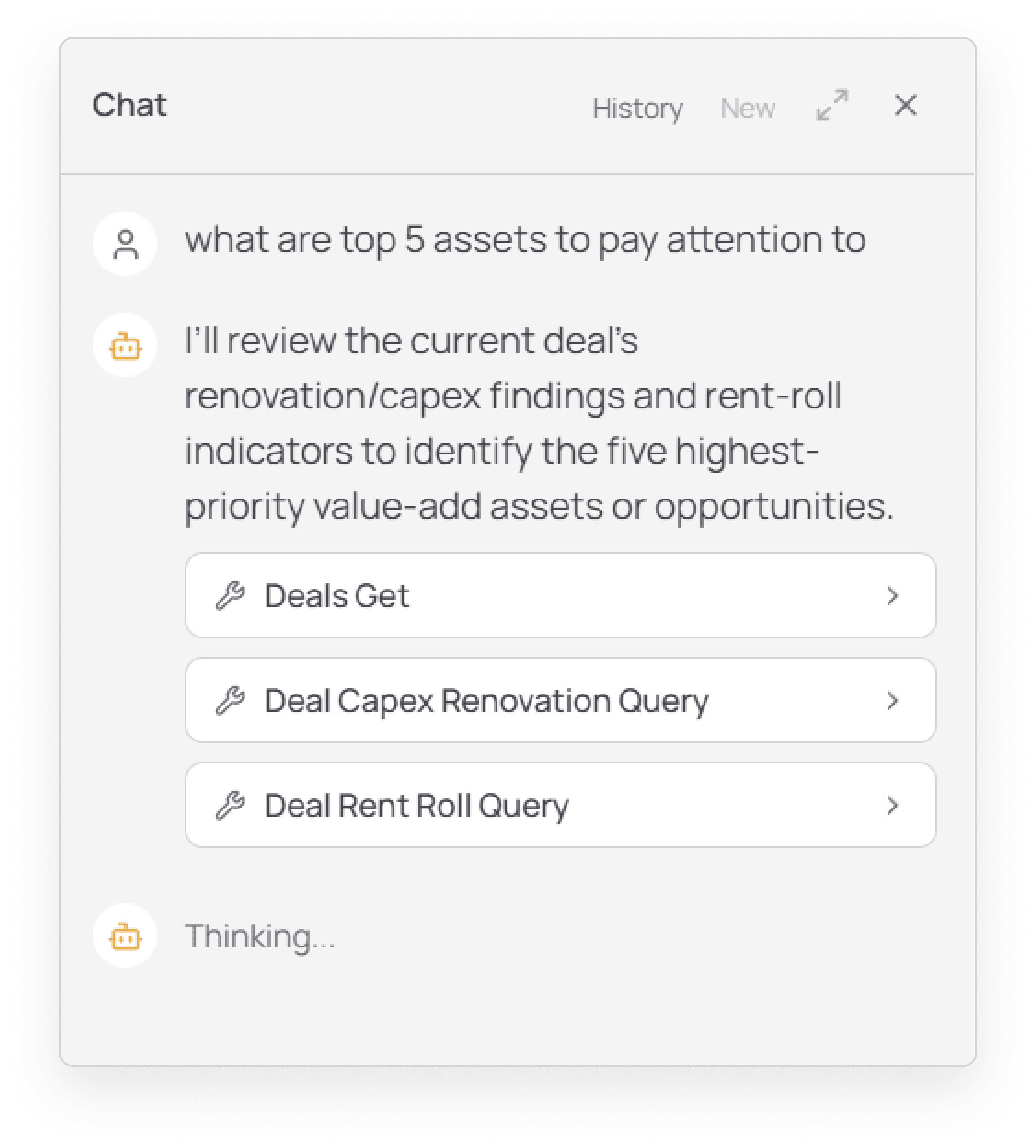
Run detailed queries and reports with natural language
Ask CRE Terminal to compare deals, benchmark expenses, or to do a deeper dive on the subject neighborhood. Every data point in CRE Terminal is made accessible to our in-app chat.
Request access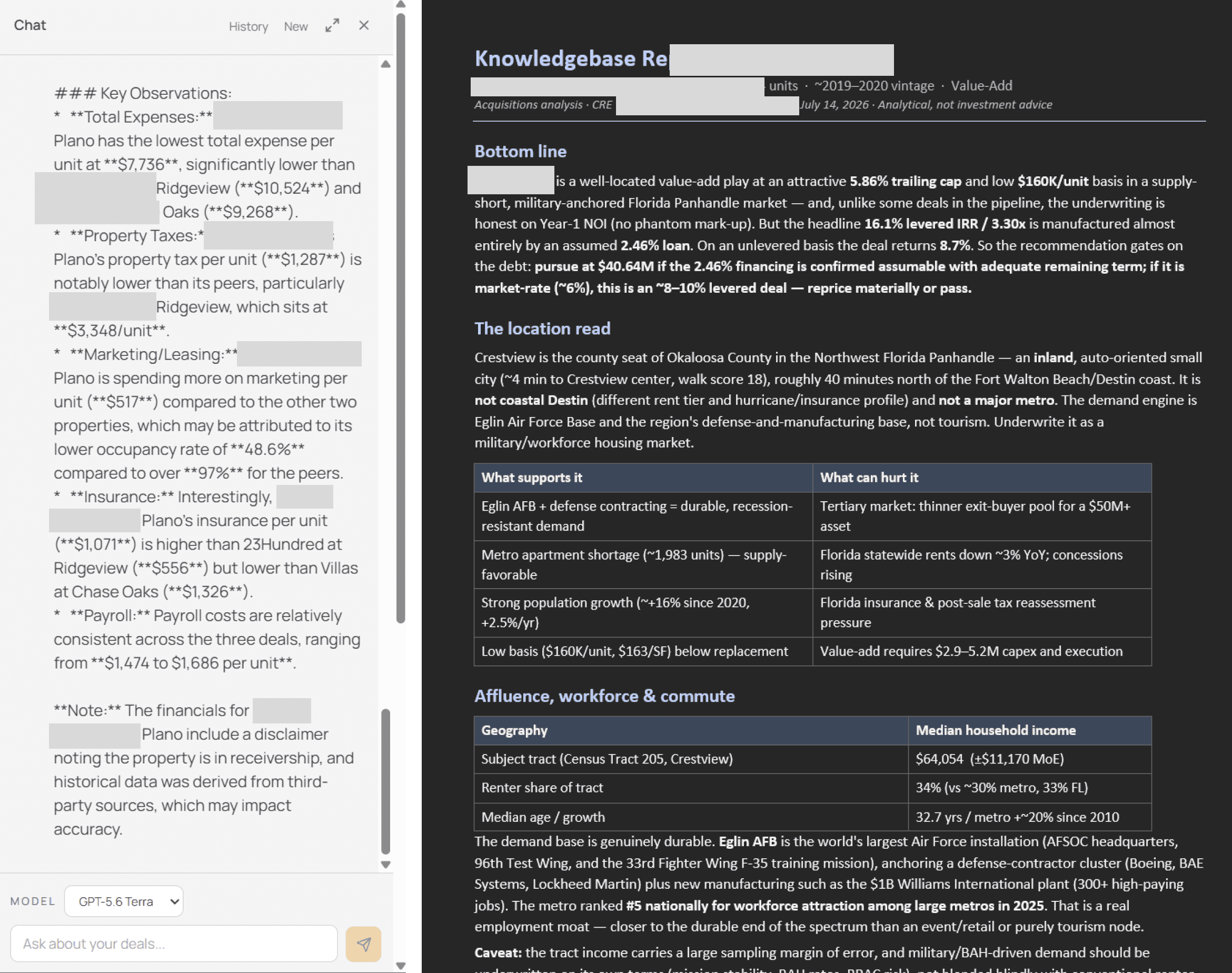
Access data via MCP
Connect CRE Terminal to Claude, ChatGPT, or any other AI service that supports MCP protocol, and enjoy full access to your data as well as the CRE Terminal knowledgebase.
Request access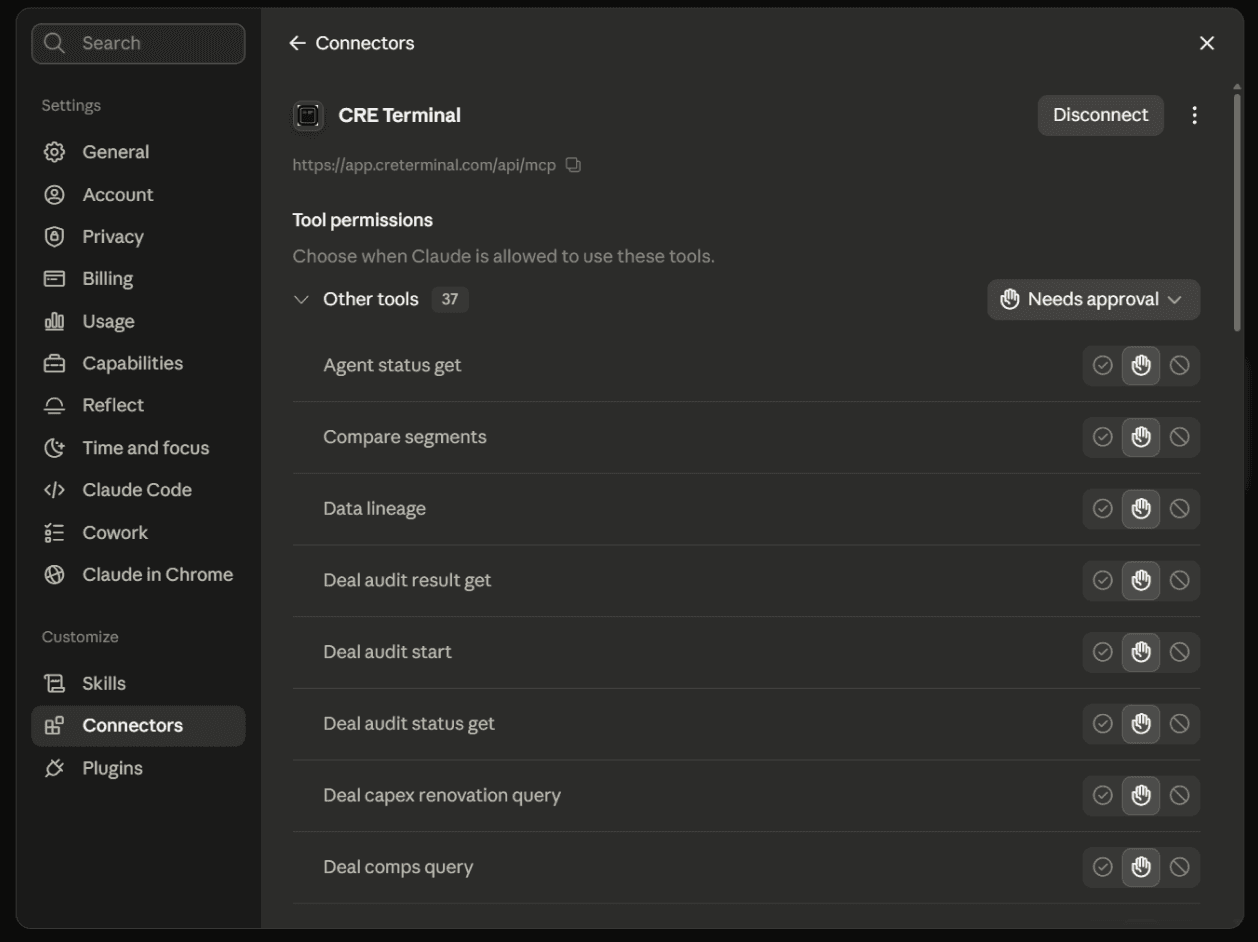
Integrate with your tools
CRE Terminal is designed to work headless. Your deals, pro formas, comps and research are available to AI clients over MCP, and to your internal systems through our REST API, not only through Terminal’s own screens. API access is available on request.
Request access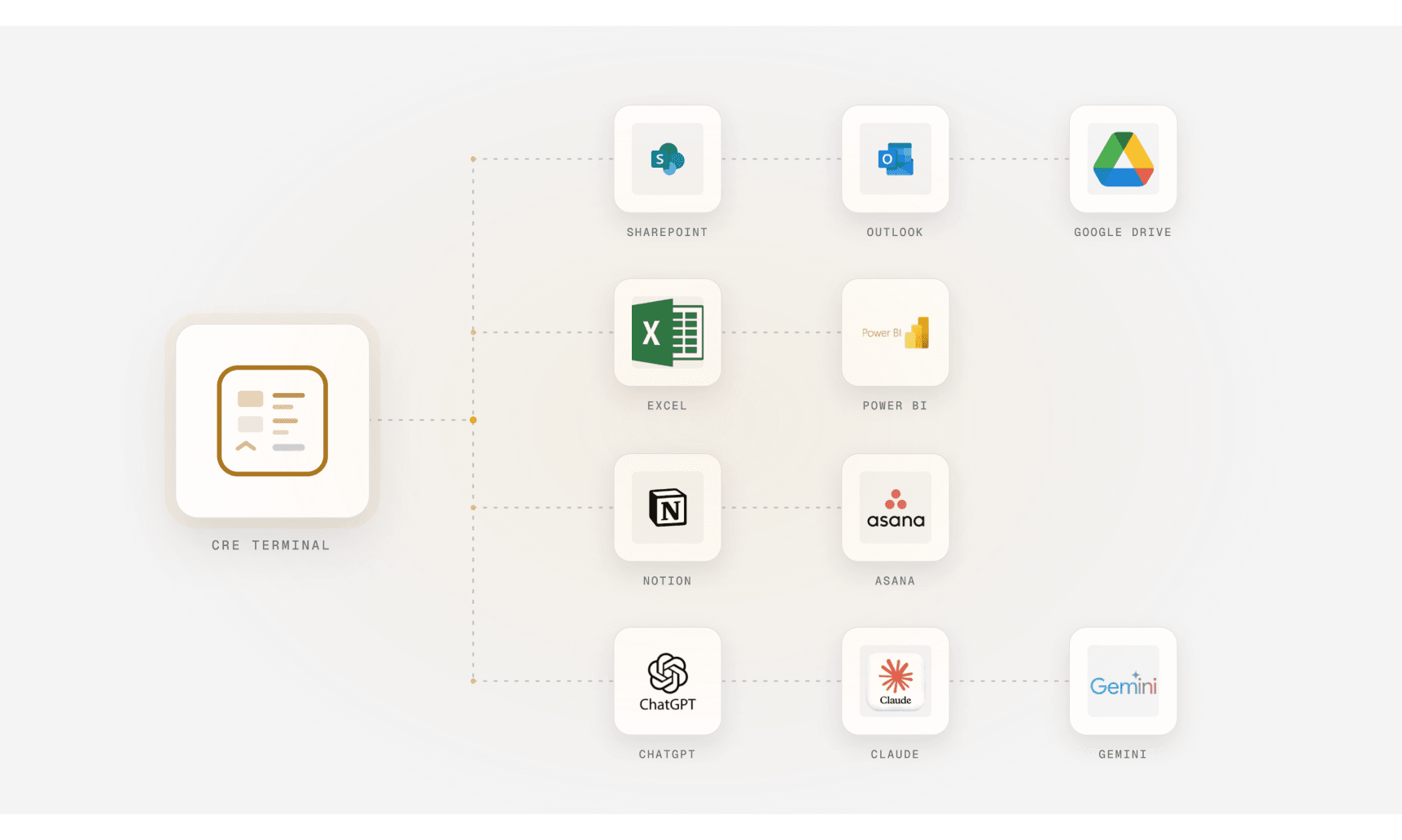
HEADLESS BY DESIGN
Built to work from your tools.
Your AI client can reach Terminal's deal data and analysis through MCP today. REST API access for your internal systems is available on request.
- A remote MCP server.
- 170+ tools across deals, pro formas, comps, risk, location, market data, asset management and research.
- Standard sign-in.
- OAuth 2.1 with PKCE and dynamic client registration. Each connection runs under your own login.
- A REST API, on request.
- Personal access tokens, rate limits and an idempotency key on every write. Ask us for access.
- The same tools inside Terminal.
- The in-app assistant uses the tool layer you connect over MCP.
- Edits wait for approval.
- Reads and analysis runs start right away. Edits wait in Approvals.
- Scoped to your organization.
- Every request is checked against the organization on your verified credential.
CONNECT
Connect your AI client in three steps.
- Claude
- ChatGPT
- Cursor
- Claude Code
- Codex
Add the server.
Add CRE Terminal as a custom connector or MCP server in your client, using https://app.creterminal.com/api/mcp.
Sign in.
Your client opens the CRE Terminal sign-in page. Approve the connection with your existing account.
Ask about your deals.
Query deals, comps, pro formas and research in plain language. Approve any edits in Terminal.
claude mcp add --transport http cre-terminal https://app.creterminal.com/api/mcpFAQ
Questions about MCP and the API.
What is the CRE Terminal MCP server?
It is a remote Model Context Protocol server at https://app.creterminal.com/api/mcp. AI clients that support MCP can use it to read and work with your CRE Terminal deals, pro formas, comps, risk runs, market data and research under your own login.
Which AI clients work with CRE Terminal?
Claude, ChatGPT, Cursor, Claude Code and Codex. ChatGPT connections do not support file uploads.
Does CRE Terminal have an API?
Yes. Besides the MCP server, CRE Terminal has a versioned REST API that authenticates with personal access tokens, applies rate limits and requires an idempotency key on every write. REST API access is available on request.
What does headless mean for CRE Terminal?
Deals, pro formas, comps, risk runs, market data and research are available to other software through MCP, and through the REST API on request, not only through Terminal's own screens. You can work from the AI client or internal system your team already uses.
Can an AI client change my data?
Reads, file uploads and analysis runs start right away. Any other edit waits in Approvals inside CRE Terminal until you approve it, and unapproved edits expire.
Who can see my data through MCP?
Each connection runs under your own login. The server checks every request against the organization on your verified credential and only returns that organization's data.